


Waterproof Smart Iphone Bracelet, Fitness Tracker (Compatiable With Android)


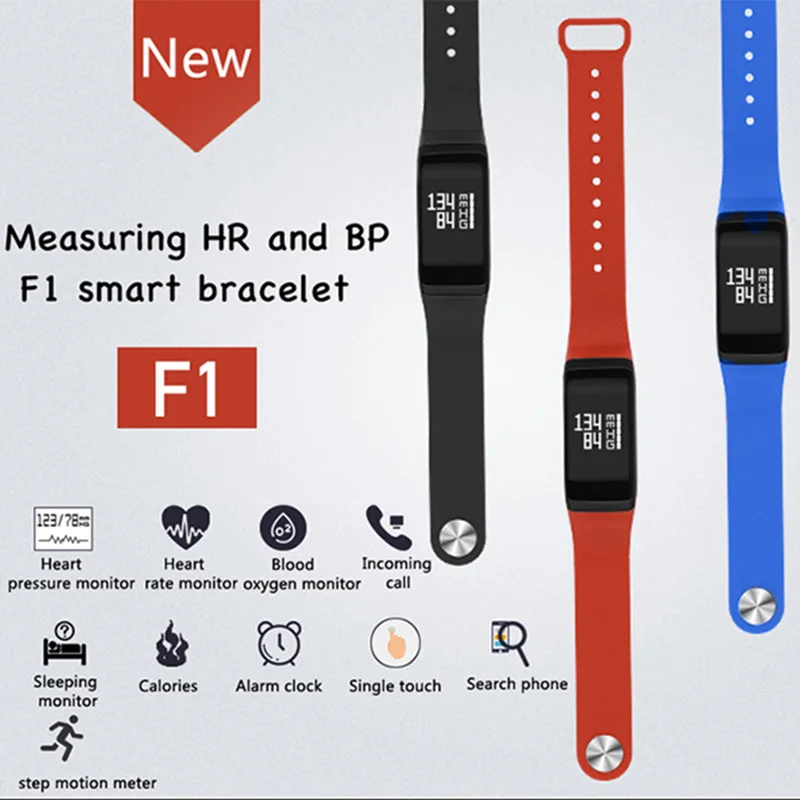
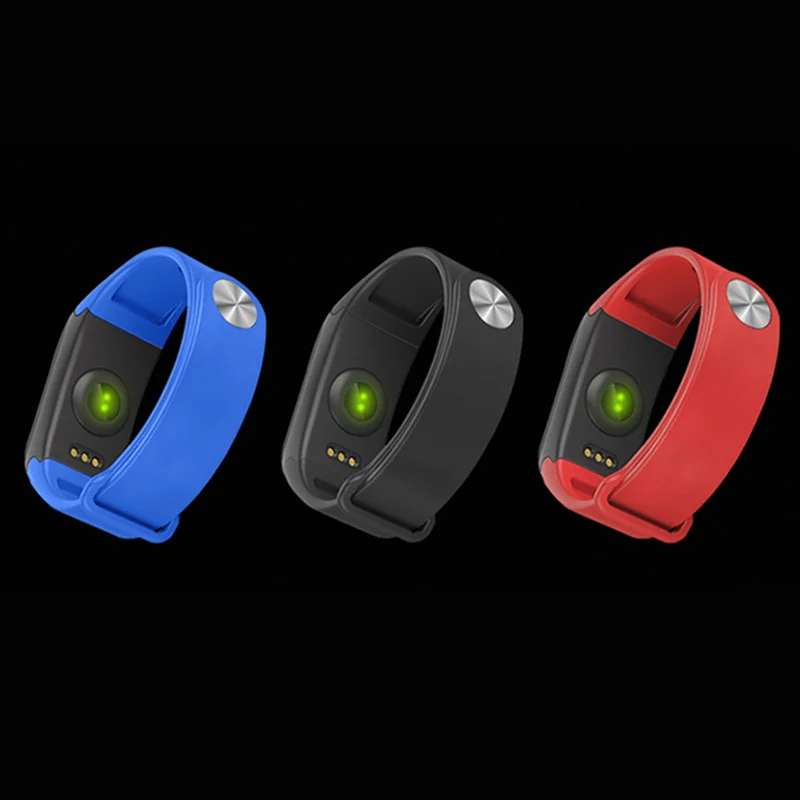
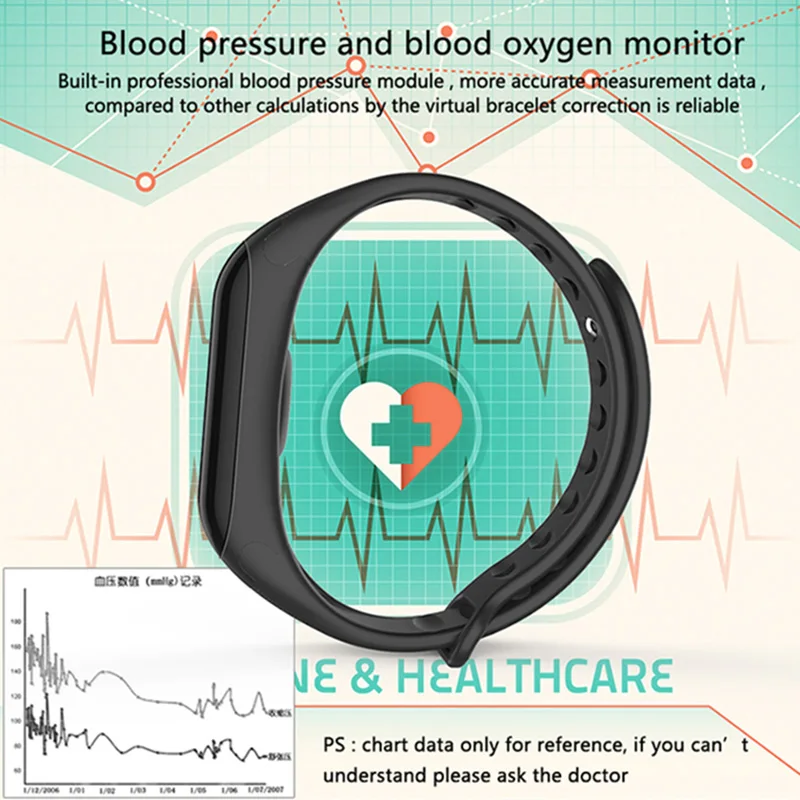
- 24 hours heart rate monitoring -- Monitoring your heart rate to help you do exercise efficiently and help you get a better understanding of your fitness level.
- IP68 waterproof grade--This smart band can be used for washing, showering, swimming, and even diving underwater 60 meters; You do not need to take it off while doing these activities.
- Sleep monitor--Synchronize your sleep time every night and analyze your sleep quality by the sleep trend graphs; Accurately monitor total effective sleeping time and motions every night, you can better understand your sleeping quality.
- Multi-function --Pedometer, Calories, Distance, Heart Rate Monitor, Sleep quality measurement, Call reminder, Alarm clock, Stopwatch, Search bracelet and so on
- Wide compatibility & Long-lasting battery--Full charge requires only 1-2 hours and the standby time can be up to 3 days with full power. App supports most smartphones with Bluetooth 4.0 or above. Support system: iOS 8.4 or above.
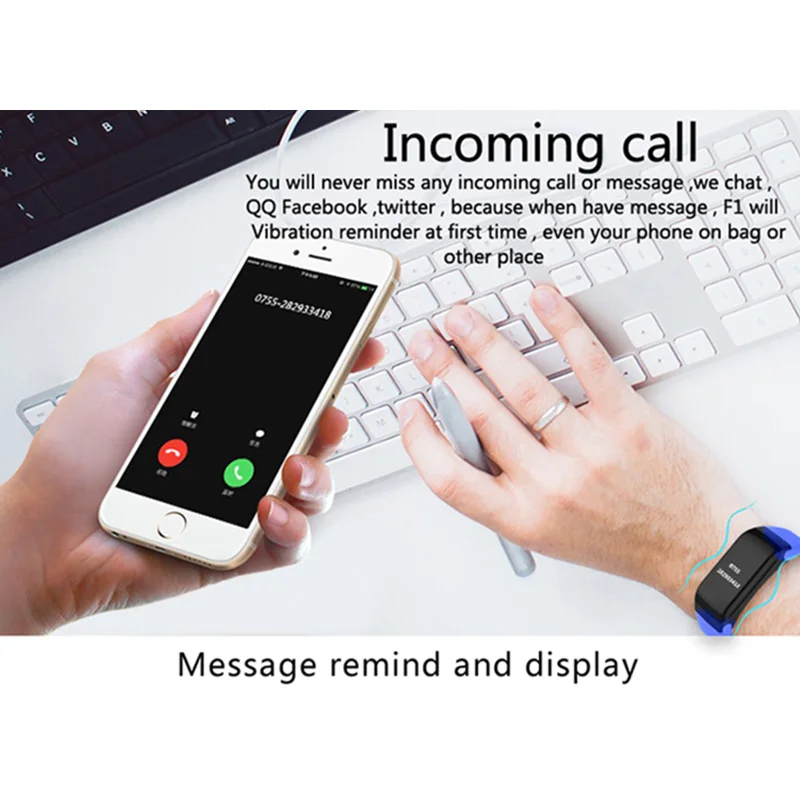
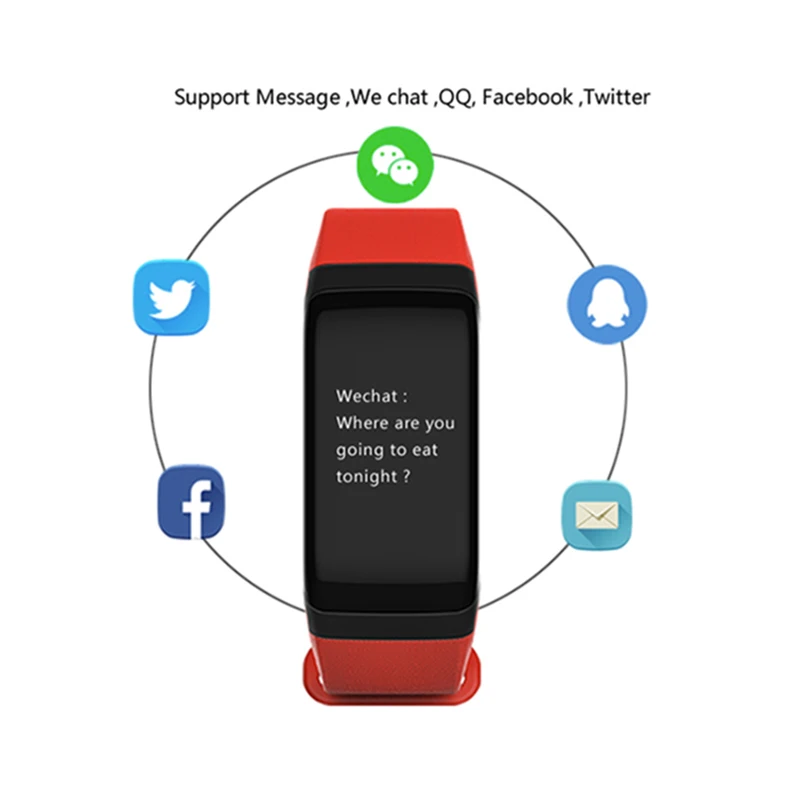
- Reminder many APP messages, facebook/twitter/Whatsapp/line/(open you APP , click mine -click Device management-click intelligent reminder -click APP reminder -- setting what you want (Wecht /QQ/Microblogging/facebook/twitter/whatsapp/line/kakaotalk))
Instructions for the first user :
Features:
- Bluetooth Synchronization
With Bluetooth 4.0, this smart bracelet is available for smartphones with Bluetooth function
- Professional Heart Rate Detection
Whether you are resting or doing sports, detect your heart rate accurately
- Intelligent Anti-lost
The watch will send an alarm after leaving the mobile phone at a certain distance, no need to worry about losing your phone
- Remote Camera
Control your smartphone to take photos, catching every moment you want
- Sport Monitor
This smart bracelet can record steps, calories and distance, so you can know your sports data, adjust your exercise program and live a healthier life
- Sleep Monitor
Accurately monitor total effective sleeping time and motion time every night, helping you develop good living habits
- Sedentary Reminder
Develop scientific habits and effectively resist sub-health
- APP supports languages: English, Japanese, Simplified Chinese, Traditional Chinese, French, German, Russian, Romanian
- The watch does not support languages: Arabic, Thai





Specifications:
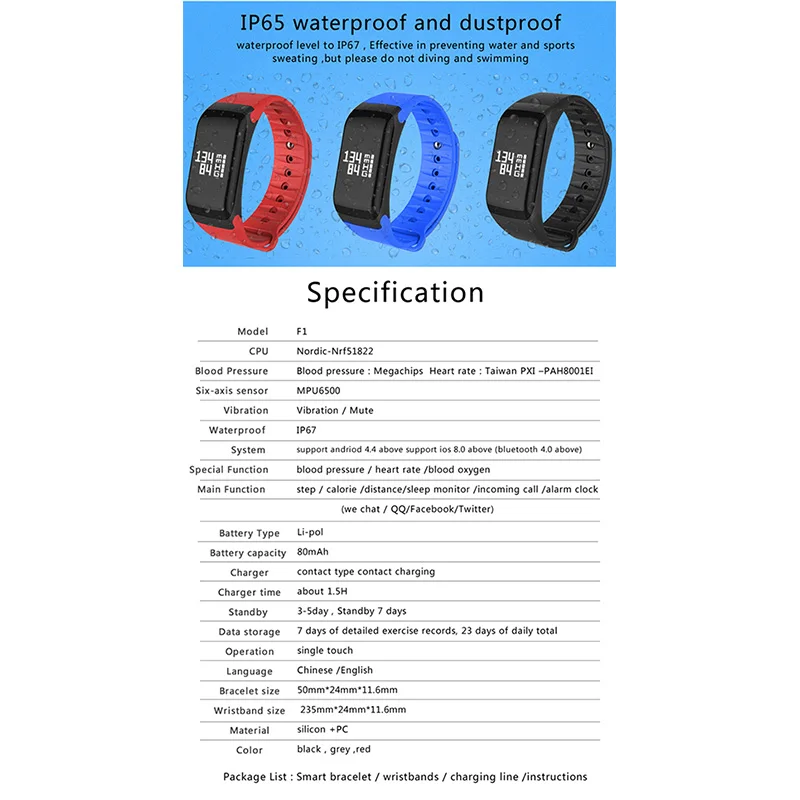
Bluetooth Version: Bluetooth 4.0
People: Female table, Male table
Waterproof: Yes
Waterproof Rating: IP67
Screen: Yes
Screen type: OLED
Compatible OS: Android, IOS
Compatability: Android 4.4 / iOS 8.0 and above system
Battery Type: Lithium Polymer Battery
Battery Capacity: 105mAh
Power: Built-in Battery
Standby time: 3Days
Functions: Alarm Clock,Camera remote control,Distance recording,Find your phone,Pedometer,Remote music,Sedentary reminder,Sleep management
Shape of the dial: Rectangle
Case material: PC
Band material: Silica
1. Make this watch turn on (How to turn it on ? Please long-press button 5-10 sec)
2.Open your Phone Bluetooth (open your phone - click settings -click Bluetooth -open your Bluetooth)
3.download APP, Please search "Wearfit 2.0 " in your APP store and android market. and then download it, and then Bind Bracelet (open your app -click mine -click Device management -click Connection management-click bind bracelet)
4.Bluetooth connect/pair, your bracelet Bluetooth ID name is “F1”
5.open APP , click "Mine" , fill in your personal data, and setting what you want functions;
tips : short press button to enter the next function, long press button (3-5 sec) to enter the sub-page, long press button (3-5 sec) to enter Return to the previous level
FAQ
1. can not find device when pairing device?
A:Please make sure the distance between phone and device less than 0.5m
Please make sure the device is not under low battey.if there is still problem after 1.5hours charging,Please cantact us.
2. Can not connect the devicewith app?
A: Some smart phone bluetooth service will be abnormal when reboot.Please reboot the smart phone for pairing device.
3. Why the android mobile disconnect?
A: Android mobile phone system memory management will be forced to turn off the background app,you need to turn off the power saving mode or pull the app into the ayatem housekeeping green background inside,app will not be forced to close.app must be running in the background,bluetooth will not automatically disconnect.
4. No incomming call or message notification?
A:Please see the splution of the app into “setting”-“FAQ” to find how to solve this proble